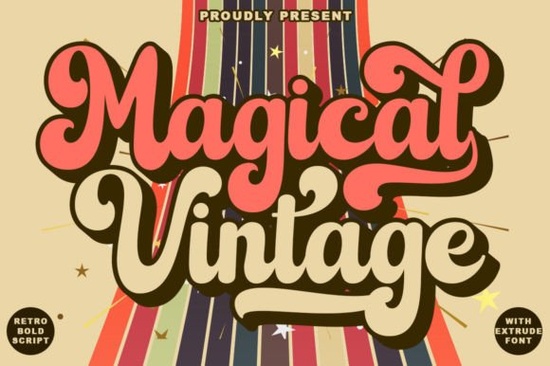
If you need a typeface that captures the relaxed, curved lettering of the 1970s, Magical Vintage Font delivers exactly that. This retro script brings warm, nostalgic vibes to modern design work without feeling dated or hard to read. Whether you run a print-on-demand shop, manage social media for a small brand, or create handmade crafts, the right display font sets the tone before a customer even reads your message.
What makes this 70s script different from other retro typefaces?
Many vintage-style fonts rely on heavy distortion or complex swashes that break down at smaller sizes. This family takes a cleaner approach. The letterforms keep that signature groovy bounce and rounded terminals while maintaining consistent spacing. The real advantage lies in the built-in OpenType features. You get stylistic alternatives, stylistic sets, contextual alternates, and ligature binders that automatically adjust how characters connect. Instead of manually fixing awkward gaps, the font handles the flow for you, saving time when mocking up product variations.
Which projects actually benefit from this lettering style?
Retro scripts work best when they have room to breathe. Because of its smooth curves and moderate contrast, this typeface fits naturally into several common workflows:
- Brand logos & wordmarks: Connected letters create a cohesive mark that feels established yet approachable.
- Social media graphics: Short quotes and sale announcements stand out in crowded feeds without looking cluttered.
- Print-on-demand merchandise: T-shirt quotes and tote bag typography print cleanly because the stroke weight holds up well on fabric.
- Packaging & labels: Small batch candles and handmade soaps often use warm, nostalgic typography to signal craftsmanship.
When you need a reliable retro vibe that scales across digital and print, you can explore this retro script collection to see how the full character set handles different layout sizes.
How do you pair it without making the design look crowded?
Display fonts with strong personality usually need a quiet partner. A simple sans-serif works best for body copy and longer descriptions. Keep the retro script for headlines or short taglines. If you are building a broader typography system, you might test it alongside a softer, handwritten script option for secondary quotes, or contrast it with a bold nocturnal display typeface when the project calls for heavier visual weight. For brands that lean into playful nostalgia, pairing it with a playful extruded lettering set creates a layered look. If the project shifts toward a darker editorial mood, you could swap in a darker, medieval-inspired lettering style for subheadings.
What should you check before exporting your final files?
Working with OpenType features requires a few quick checks. First, make sure your design software has contextual alternates and stylistic sets turned on. Programs like Illustrator and Affinity Designer handle these features differently, so verify the glyph panel before finalizing. Second, test your layout at actual print size. Screen zoom can hide thin connections that become obvious on paper. Third, outline your text only after you are satisfied with the spacing. Once converted to paths, you lose the ability to swap alternates.
If you want to see how the full family performs across different mockups and licensing tiers, you can review Magical Vintage Font directly on the marketplace. Checking the included file formats and commercial terms upfront prevents delays when you are ready to launch.
Is it suitable for quick turnaround projects?
Yes. The font installs like any standard OTF or TTF file, and the automatic ligatures mean you do not need advanced typography training to get smooth connections. Crafters using cutting machines can upload the files directly, though you may want to weld overlapping letters before sending them to the mat. The learning curve stays low because the character set behaves predictably, even when mixing cases.
Before you start your next layout, run through this quick prep checklist:
- Install both OTF and TTF versions to ensure app compatibility.
- Enable contextual alternates and stylistic sets in your typography panel.
- Test three size ranges to confirm stroke weight holds up for your medium.
- Pair the script with a neutral sans-serif to keep body text readable.
- Verify commercial licensing covers your specific use case, especially for merchandise.
Keep your letter spacing relaxed, let the automatic binders do the heavy lifting, and your retro designs will look polished on the first export.
Explore Design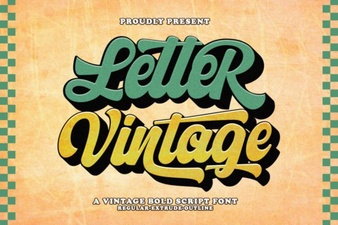 Vintage Lettering Fonts for Creative Design Projects
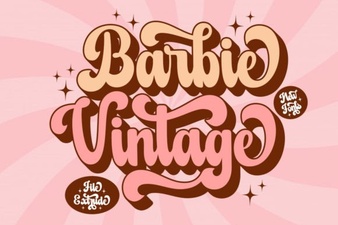 Designing with Vintage Barbie Extrude Font Style
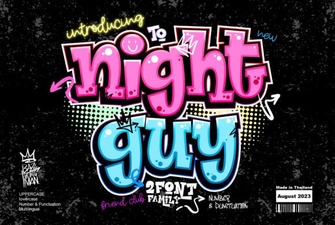 Night Guy Font: Creative Typography Projects
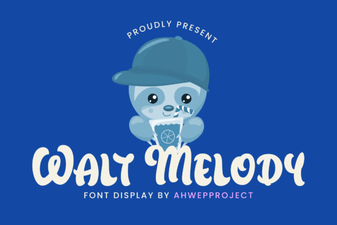 Discover & Download the Walt Melody Font
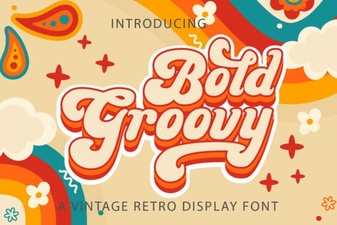 Groovy Fonts: Creative Design Projects & Ideas
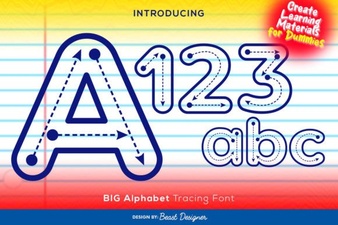 Designing Projects with Big Alphabet Tracing Font